Dashy Flutter

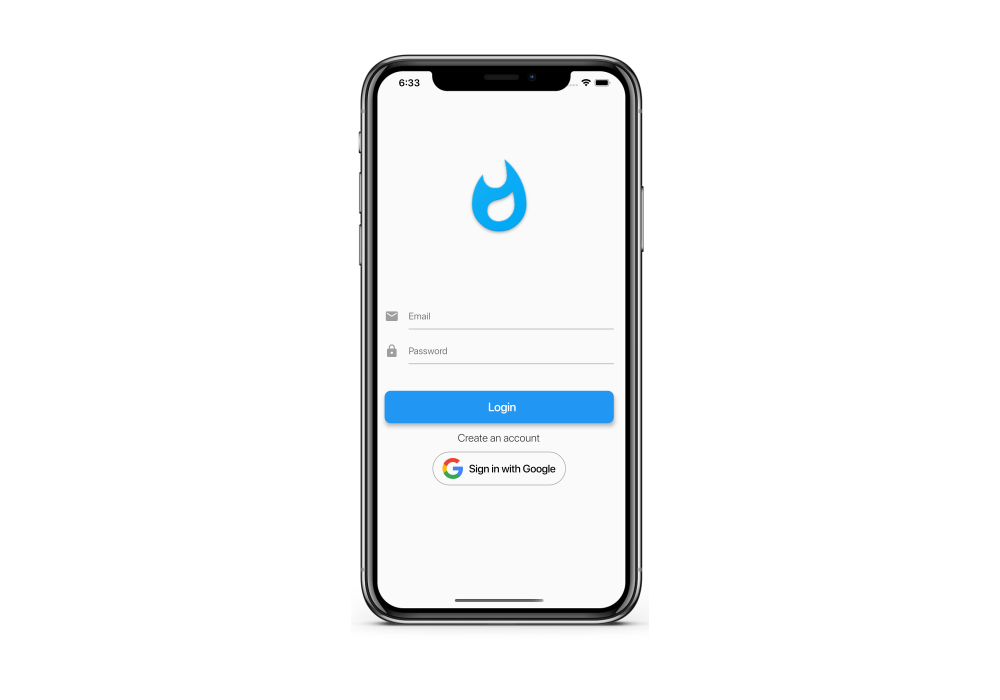
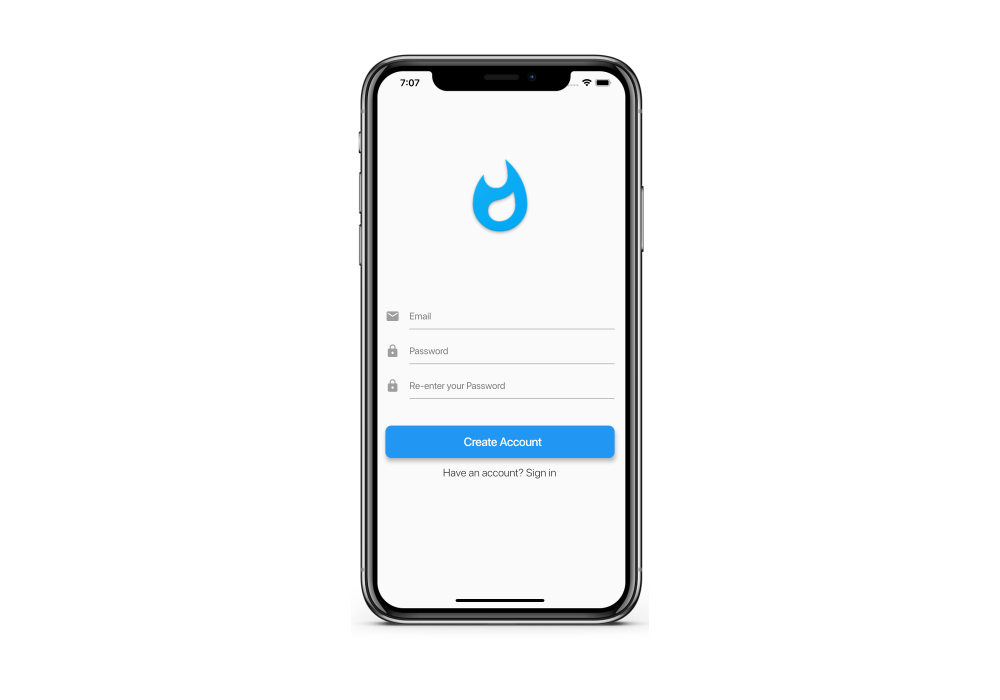
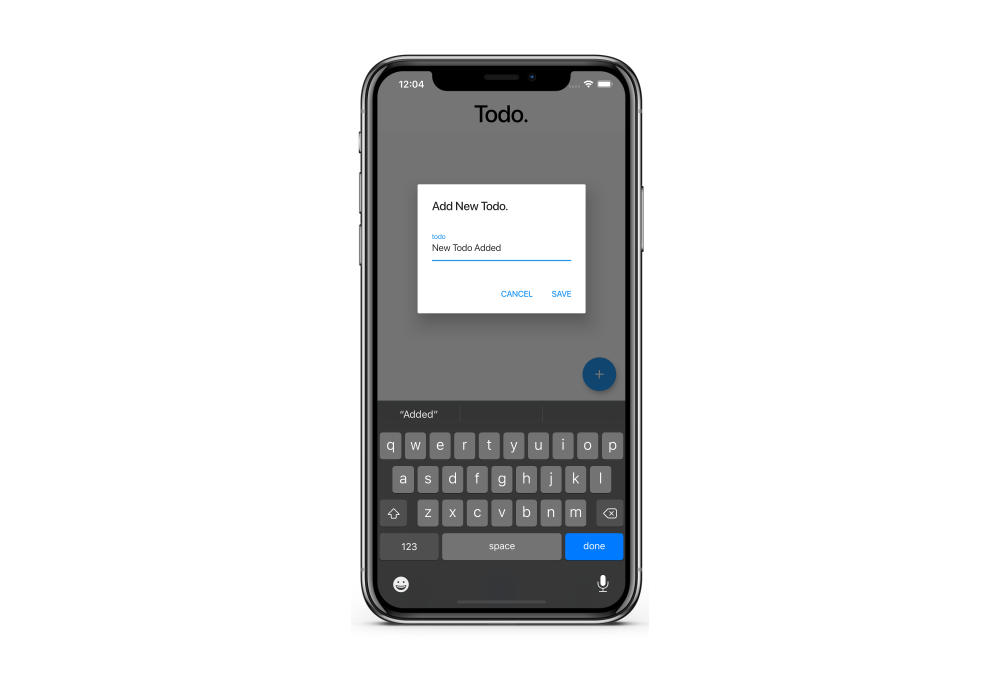
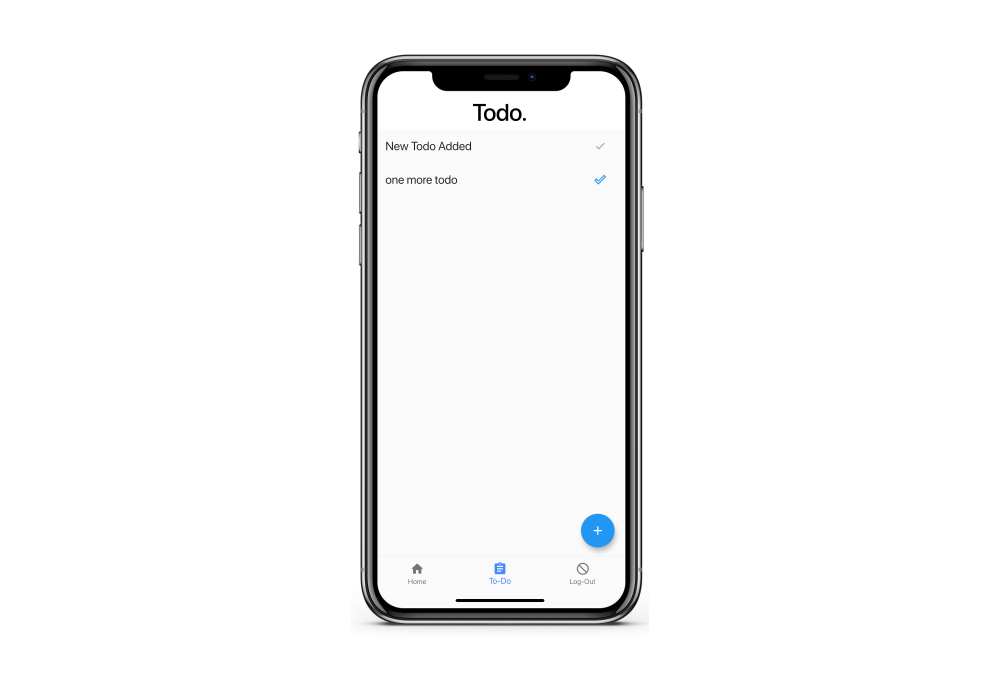
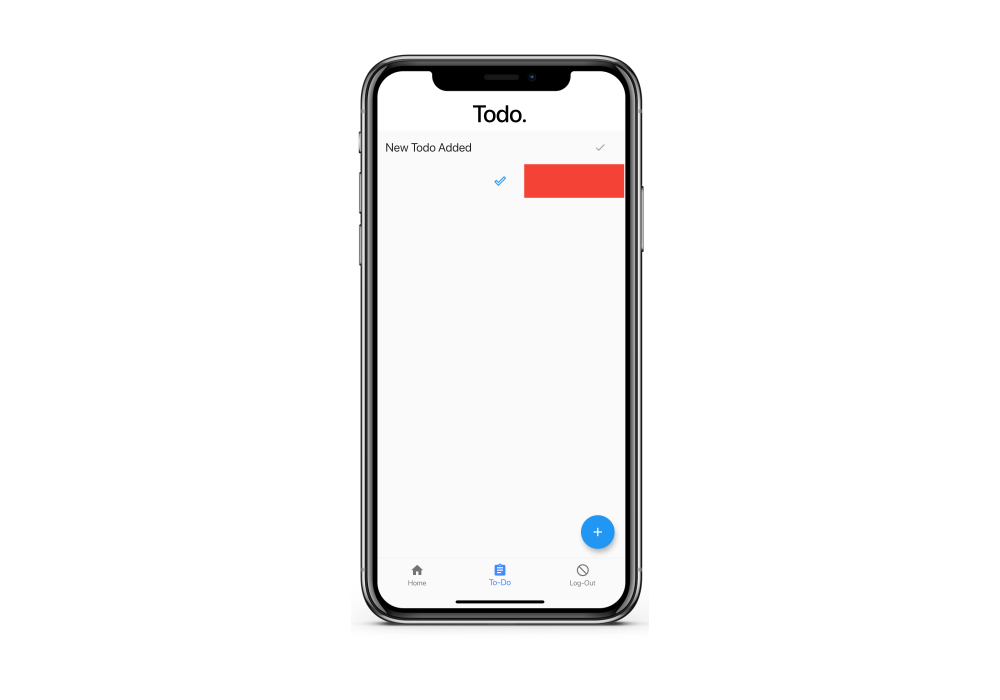
Dashy is my first entry into the world of Mobile Application. Being a novice in developing mobile applications, I decided to venture into the same by trying out a hybrid application development framework called Flutter. Dashy is developed using Dart Language in Flutter. Authentication and data storage is handled using Firebase.
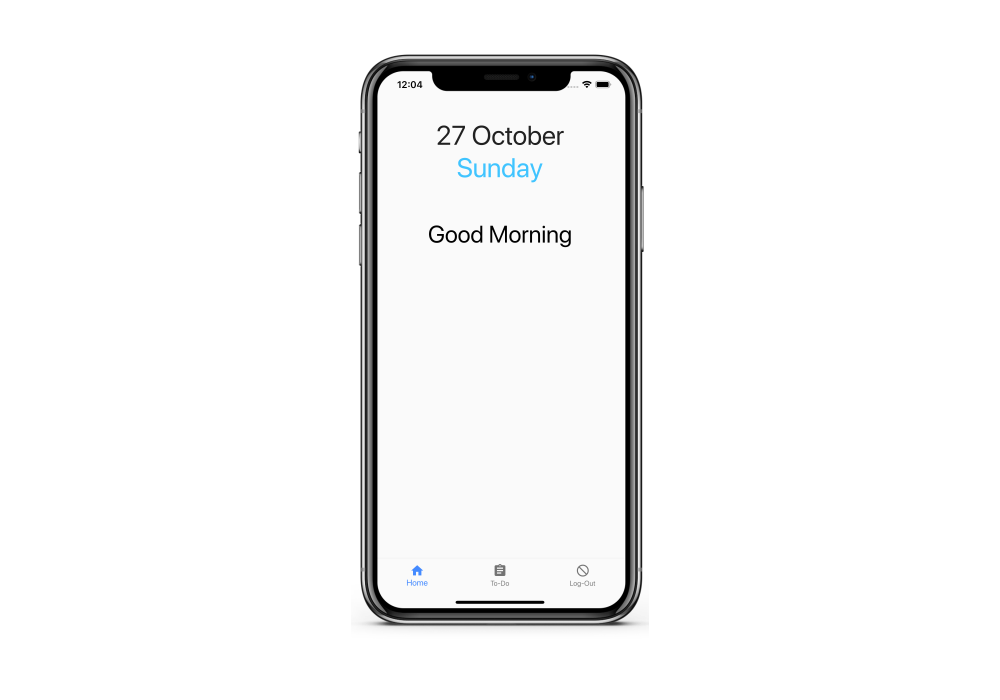
I have started developing Dashy as a one-stop destination for your day to day activities. Kind of like a dashboard, hence the application name Dashy. Authentication can be through the traditional email and password combination as well as Google authentication. Once logged in you will be greeted with the main screen which will be your dashboard. For now, it will display the date and a generic wish. This is your dashboard where you can get a glimpse of all your activities like time tracking and genera information like weather.
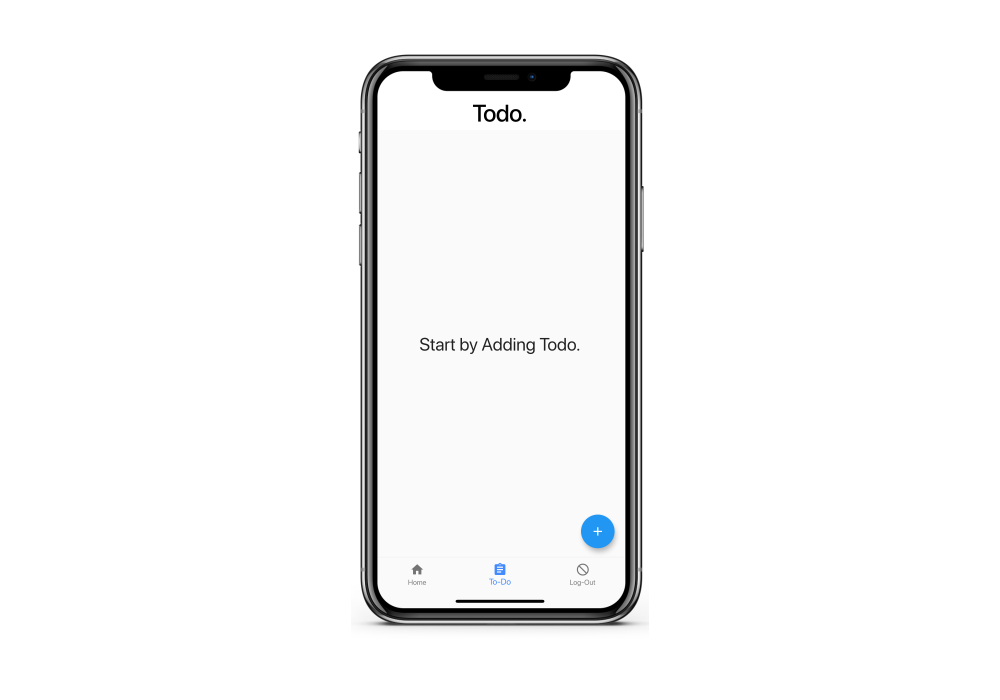
The second screen is a todo screen, where you can add your todos for the day. Todos can be added. Marked as completed and once done, can be deleted. Todos added here will be synced to the Dashy web application using the same account.
Recent Changes
- Added Google Authentication to sync to the account created through the same on website.
Coming up
- Weather showcase in the main page
- Native application usage info using python integration
- Todo editing in the todo screen
Language used
- Dart
Technologies / Frameworks Used
- Flutter
- Firebase
The source code can be found here.